---
title: template.js
description: API Reference for the template.js file.
url: "https://nextjs.org/docs/14/app/api-reference/file-conventions/template"
docs_index: /docs/14/llms.txt
lastUpdated: 2023-09-04
prerequisites:
- "API Reference: /docs/14/app/api-reference"
- "File Conventions: /docs/14/app/api-reference/file-conventions"
---
> For an index of all documentation, see [/docs/14/llms.txt](/docs/14/llms.txt).
A **template** file is similar to a [layout](/docs/app/building-your-application/routing/pages-and-layouts#layouts) in that it wraps each child layout or page. Unlike layouts that persist across routes and maintain state, templates create a new instance for each of their children on navigation.
**TypeScript**
```tsx title="app/template.tsx"
export default function Template({ children }: { children: React.ReactNode }) {
return {children}
}
```
**JavaScript**
```jsx title="app/template.jsx"
export default function Template({ children }) {
return {children}
}
```
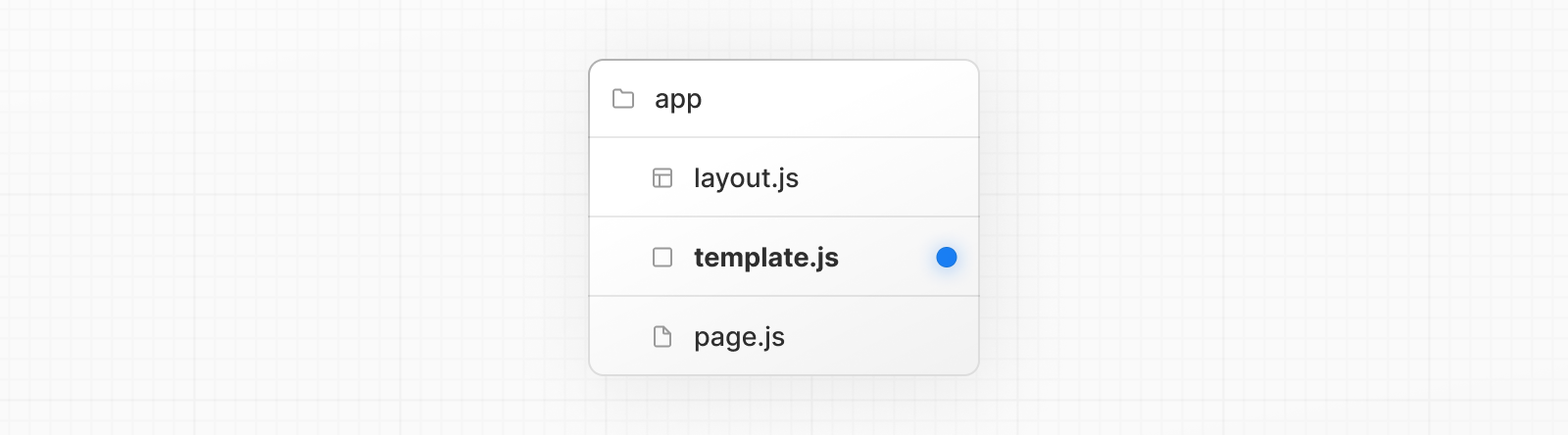
While less common, you might choose a template over a layout if you want:
- Features that rely on `useEffect` (e.g logging page views) and `useState` (e.g a per-page feedback form).
- To change the default framework behavior. For example, Suspense Boundaries inside layouts only show the fallback the first time the Layout is loaded and not when switching pages. For templates, the fallback is shown on each navigation.
## Props
### `children` (required)
Template components should accept and use a `children` prop. `template` is rendered between a [layout](/docs/app/api-reference/file-conventions/layout) and its children. For example:
```jsx title="Output"
{/* Note that the template is given a unique key. */}
{children}
```
> **Good to know:**
>
> - By default, `template` is a [Server Component](/docs/app/building-your-application/rendering/server-components), but can also be used as a [Client Component](/docs/app/building-your-application/rendering/client-components) through the `"use client"` directive.
> - When a user navigates between routes that share a `template`, a new instance of the component is mounted, DOM elements are recreated, state is **not** preserved, and effects are re-synchronized.
## Version History
| Version | Changes |
| --------- | ---------------------- |
| `v13.0.0` | `template` introduced. |
---
For a semantic overview of all documentation, see [/sitemap.md](/sitemap.md)
For an index of all available documentation, see [/docs/14/llms.txt](/docs/14/llms.txt)